Work together
Share a project, edit it at the same time as your team, see who is working where and save versions you can return to.
Share a project
- Open your account menu (your initials, top right) and press Share — or Share… in the project’s ⋯ menu on Start.
- Type an email address, choose Editor or Viewer, and press Invite.
- They get an email and accept it. The project then appears under Shared with me.
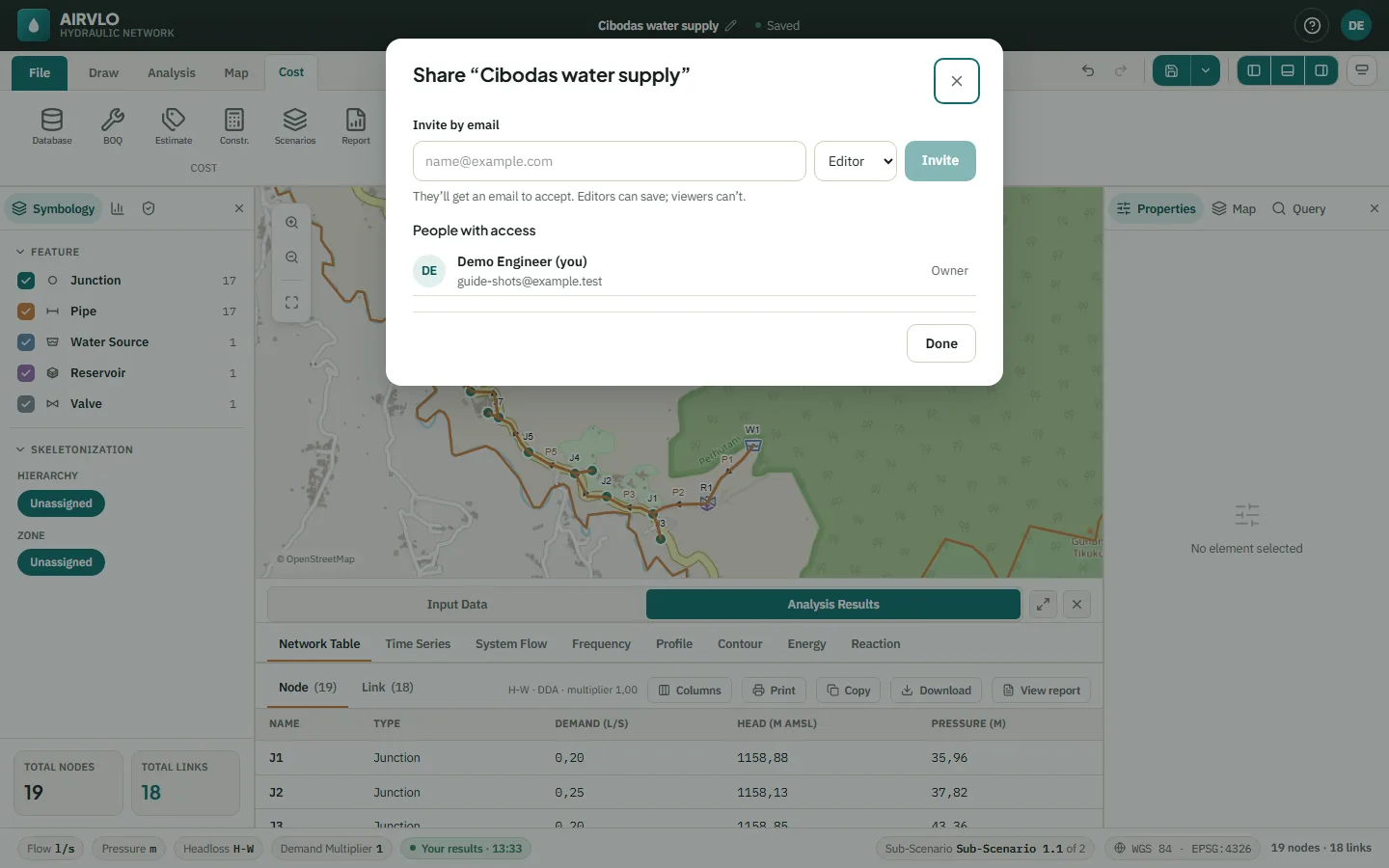
- Owner — shares, renames, moves the project to Trash and restores old versions.
- Editor — edits and saves versions.
- Viewer — looks but can’t change anything; Make a copy gives them their own.
Sharing works for projects saved in your account. A project on this computer is shared after you save it to your account.
Edit at the same time
Everyone in the project sees changes as they happen. The faces at the top show who is here; their selections are outlined on the map and the Properties panel says who is editing an element. Click a face and choose Follow to see their view.
Your undo only takes back your own changes, never a colleague’s. When two people add an element with the same name, the later one is renamed and AIRVLO tells you.
If the connection drops, keep working: the header shows Offline with the number of changes waiting, and they are sent when you are back online.
Versions
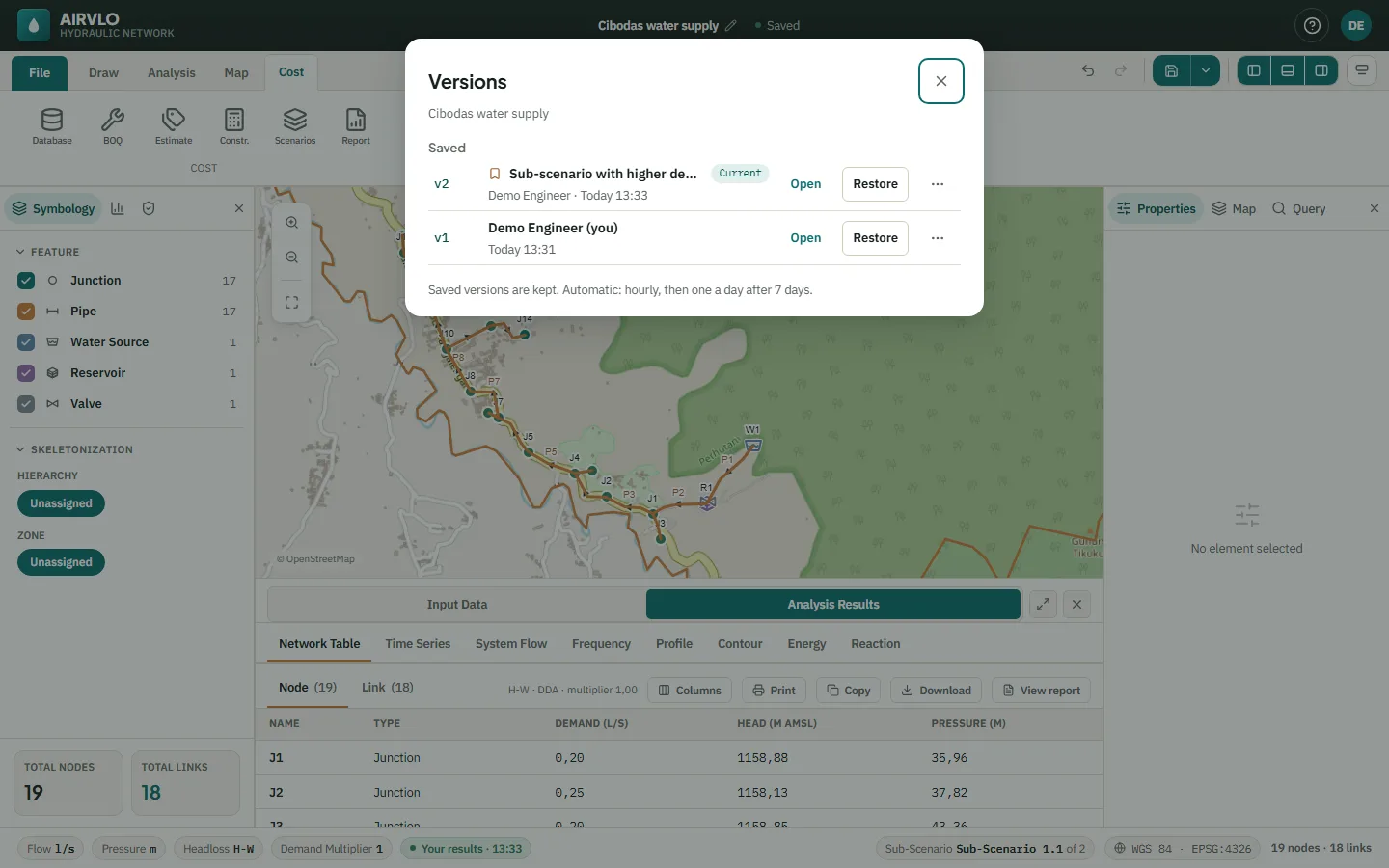
Ctrl+S saves a named version, with an optional note. Versions… in the Save menu lists them: Saved versions are kept, Automatic ones are made every hour and thinned to one a day after 7 days.
Open shows an old version read-only. Restore — owner only — brings it back for everyone; the current state is kept as a version first.